

Smarter devicemanagement.
For your DSP
DSP-OPS TRACKR is the companion mobile application for the DSP-OPS platform, designed to help Delivery Service Partners manage, monitor, and locate company-issued work devices from one centralized system. TRACKR connects authorized company devices to DSP-OPS, giving managers greater visibility into their mobile device fleet — without physically inspecting every phone.
See TRACKR in action
From secure startup to live status
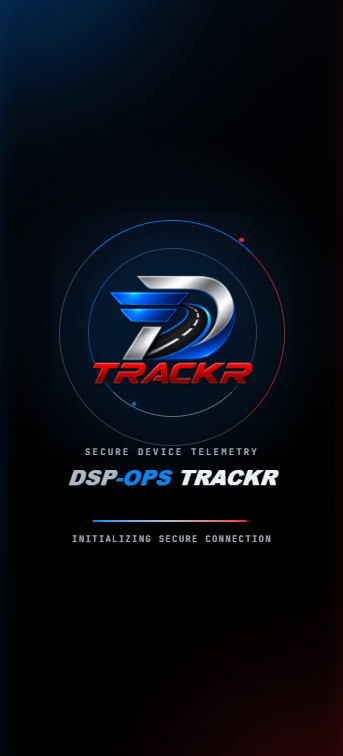
TRACKR keeps every step simple: a secure connection on launch, fast enrollment with your DSP code, and a clear live view of each device once it's connected.
Secure startup
TRACKR establishes a protected connection to DSP-OPS on launch.
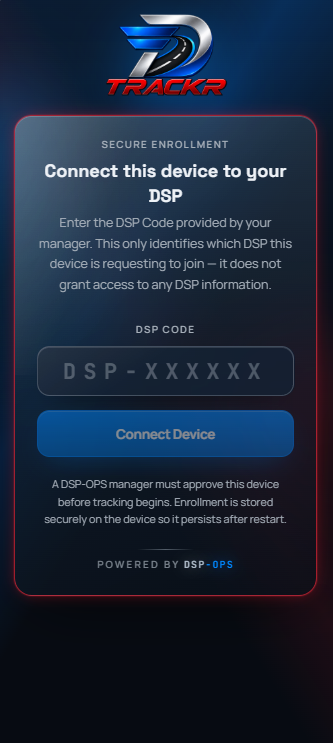
Secure enrollment
Enter your organization's DSP code to request to join — a manager approves before tracking begins.
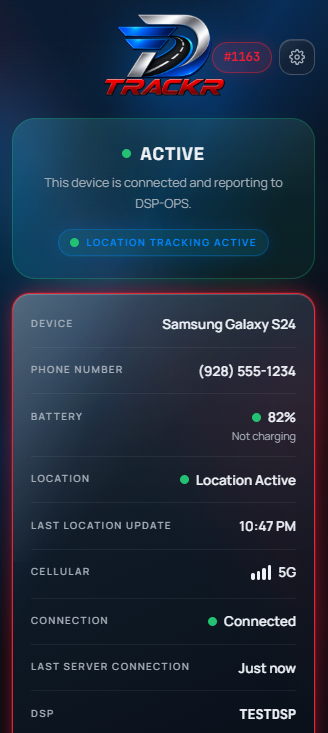
Live device status
See battery, location, connectivity and last check-in for every enrolled device.
Desktop management
Complete device overview right from the browser
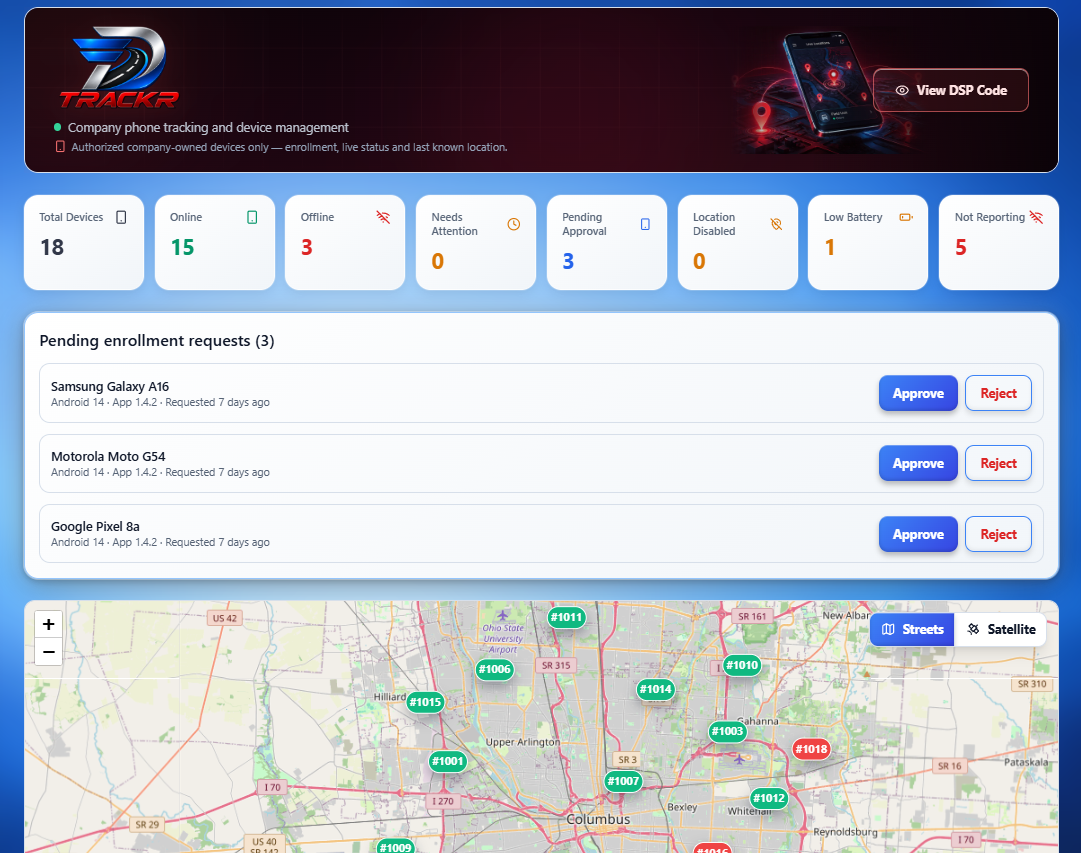
Every phone that runs TRACKR reports straight into the DSP-OPS desktop dashboard — live stats, the full device list, and per-device detail with location history.
Fleet overview
Live totals, pending enrollment approvals and every device on one map.
Device list
Search, sort and check battery, signal, location and status at a glance.
Device detail
Drill into any device for live location, heartbeats and settings.
Full visibility
Know your devices
Once a device is enrolled in TRACKR using the organization's DSP code, it is securely associated with that organization's DSP-OPS account. TRACKR can report operational device information including:
Device name & identifier
Device name and unique device identifier.
Manufacturer & model
Device manufacturer and model.
Assigned phone number
Assigned phone number, when available and confirmed during setup.
Battery & charging
Battery level and charging status.
Device location
Device location, when permissions are granted.
Connectivity & signal
Connectivity and signal information, when supported.
Device status
Current device status at a glance.
Last communication
Last communication with DSP-OPS.
This information helps managers identify individual work phones, determine which devices are active, locate company equipment, and maintain an organized inventory of their mobile device fleet.
Fast deployment
Simple device enrollment
TRACKR is designed for fast deployment across company-issued Android devices. During initial setup, the device is enrolled using the organization's DSP code. TRACKR then registers the device with DSP-OPS and creates the corresponding device record.
One code connects a device to your organization- 1
Install on company devices
TRACKR is designed for fast deployment across company-issued Android devices.
- 2
Enroll with your DSP code
During initial setup, the device is enrolled using the organization's DSP code.
- 3
Register with DSP-OPS
TRACKR registers the device with DSP-OPS and creates the corresponding device record.
- 4
Confirm the phone number
When supported, Android can present the device's available phone number for confirmation — reducing manual entry and preventing incorrect numbers.
Privacy & transparency
You always know what TRACKR does
DSP-OPS TRACKR uses device information to provide its device-management, monitoring, and location features. Depending on the features enabled and permissions granted, information processed by TRACKR may include device identifiers and characteristics, phone number information, battery and charging information, network or connectivity information, location information, and application/device status information. Access to information reported by TRACKR is associated with the organization under which the device was enrolled, and users remain subject to Android's permission controls for protected information such as location.
- What information TRACKR collects
- Why that information is collected
- How information is used
- How information is stored and protected
- When information may be shared
- Location and background-location usage
- Device permissions
- Data retention and deletion
- User and organization privacy choices
- How to contact DSP-OPS about privacy
Read the full policy: what we collect, why, how it's protected, and your choices.